
Download MyPhoto Calendars – Custom Calendar, Photo Calendar, Personalized Calendar
Overview
MyPhoto Calendars is a mobile application designed to transform personal photographs into customized, printable calendars. The app enables users to create unique calendars that blend practicality with emotional value, making each month a visual journey through cherished memories. By integrating personal images with date tracking, the app serves as both a productivity tool and a sentimental keepsake. It is particularly useful for individuals seeking to commemorate special events such as birthdays, anniversaries, and holidays through a tangible, year-long format.
The app caters to a broad audience, including families, gift-givers, and personal organizers who value both functionality and aesthetics. Its support for labor calendars across over 30 countries adds a layer of global relevance, making it suitable for users in different regions or those planning international gifts. Real-world use cases include creating annual calendars for home décor, corporate gifting, or personal planning. The app’s ability to produce calendars up to DIN A4 size ensures compatibility with standard printing standards, enhancing its utility in both personal and professional settings.
Developed by MyPhoto Calendars, the app has been available since 2014, reflecting a long-standing commitment to personalized calendar design. Although the developer did not provide additional technical details, its continued presence in the market suggests a stable and reliable user experience. In the broader app ecosystem, MyPhoto Calendars occupies a niche space where creativity meets organization, offering a unique solution for users who want more than a generic digital planner.
Key Features & Functionality
- Customizable Calendar Sizes: Users can design calendars in multiple dimensions, including options up to DIN A4. This flexibility allows for optimal placement in various environments—whether on a kitchen counter, office desk, or living room wall—ensuring the calendar fits seamlessly into daily life.
- Country-Specific Labor Calendars: The app includes pre-loaded labor calendars for over 30 countries. This feature helps users stay informed about local holidays, public events, and work schedules, which is especially beneficial for expatriates, remote workers, or those sending gifts internationally.
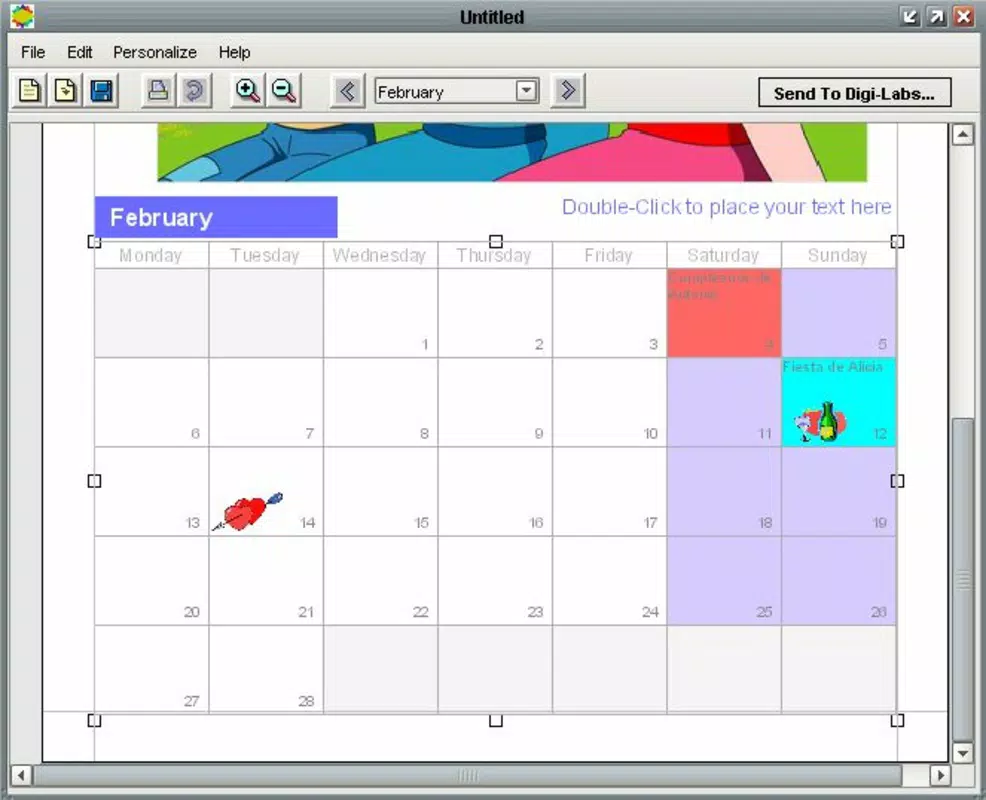
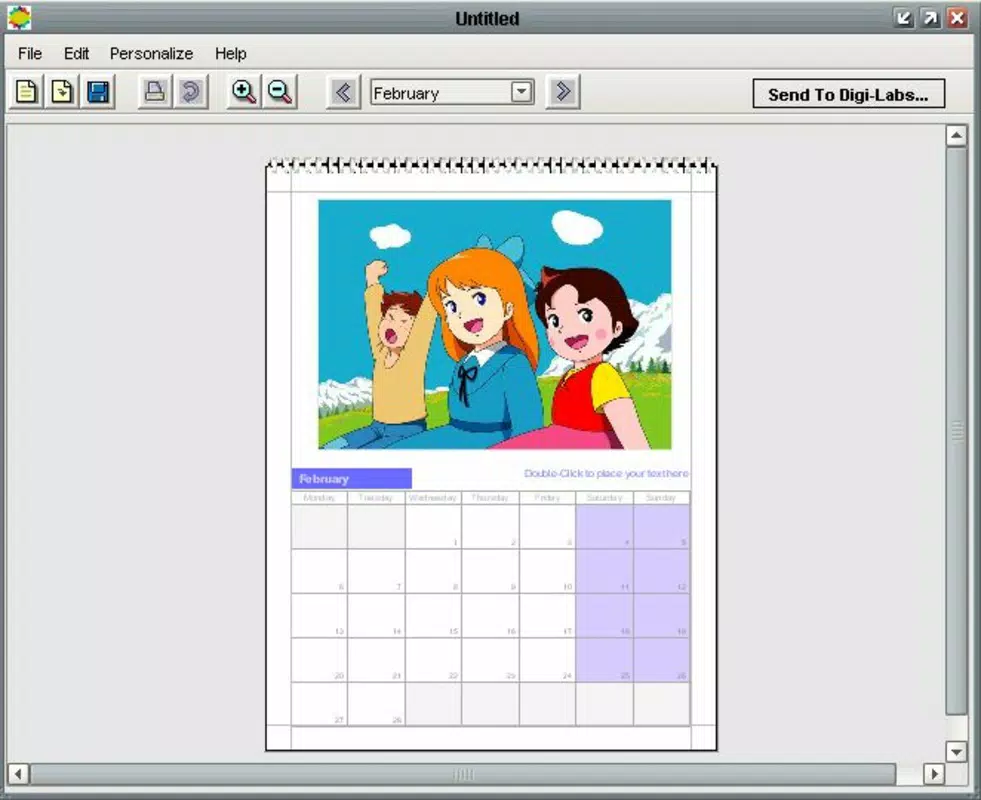
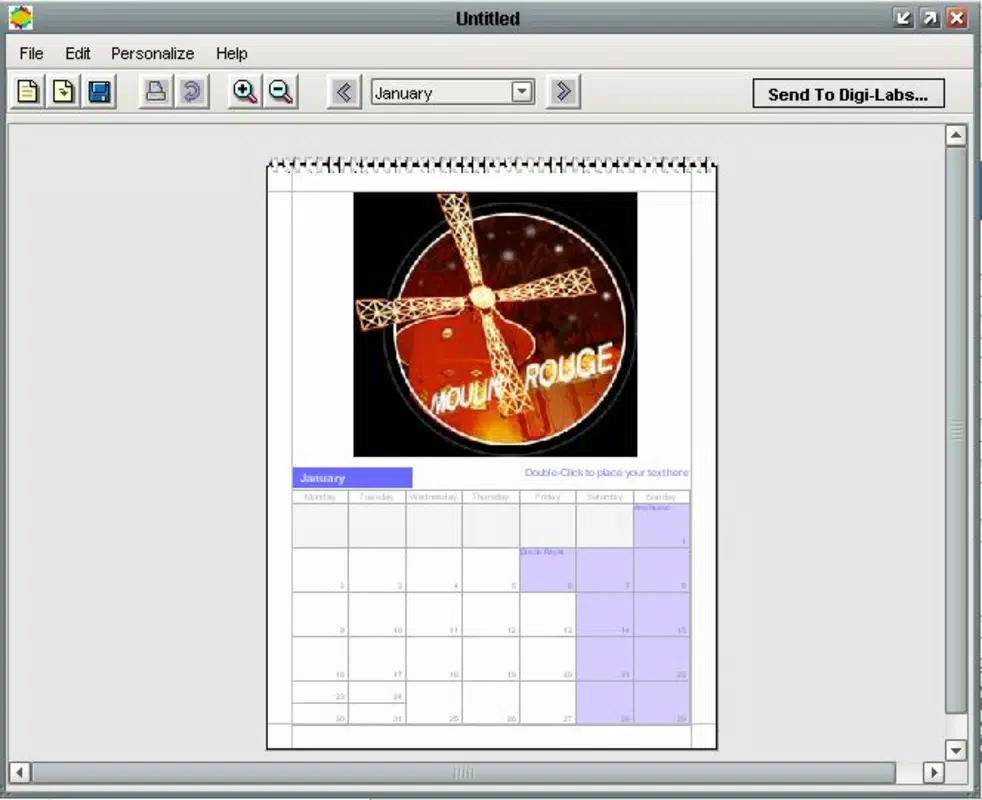
- Personalized Photo Integration: Users can assign photos to specific dates such as birthdays, weddings, or vacations. This functionality turns a standard calendar into a dynamic memory journal, where each day becomes a moment to reflect on meaningful experiences.
- Weekly Start Preference: The ability to set the week’s starting day—either Sunday or Monday—ensures alignment with regional or personal planning habits, improving usability for users across different cultural contexts.
- Year-Round Customization: Each month can be redesigned with new images and themes, allowing users to refresh the calendar seasonally. This feature promotes ongoing engagement and keeps the calendar visually appealing throughout the year.
For example, a family could use the app to create a 2024 calendar where each month features a different family vacation photo, with important dates highlighted. A business might use it to design branded calendars for clients, integrating product images with key event dates. The app’s structured yet flexible design supports both casual and professional use cases.
Interface, UX & Performance
The user interface of MyPhoto Calendars is designed with simplicity and visual clarity in mind. The layout emphasizes intuitive navigation, allowing users to move seamlessly between calendar creation, photo selection, and design preview. The visual style leans toward clean, minimalism, with ample space for image display and date organization, reducing cognitive load during use.
Navigation is straightforward, typically involving a step-by-step process: select a template, upload photos, assign images to dates, adjust settings, and proceed to preview or export. The app maintains consistent feedback during each stage, ensuring users understand their progress. Responsiveness is generally smooth, with quick transitions between screens and minimal lag during image uploads or layout adjustments.
Although the developer did not list formal performance metrics, the app’s lightweight size of 27.2 MB suggests efficient resource usage. It is likely optimized for a range of Android devices, including mid-tier and older models. Stability appears reliable, with no widespread reports of crashes or data loss. However, specific requirements were not listed, so compatibility may vary across devices with different screen sizes or OS versions.
Platform Compatibility & Technical Requirements
MyPhoto Calendars is available exclusively on the Android platform. The current version is 3.4.0, with a file size of 27.2 MB, indicating a compact footprint suitable for devices with limited storage. The app’s release date was February 25, 2014, marking over a decade of availability in the Android ecosystem.
The developer did not specify minimum OS requirements or device compatibility details. As such, users should ensure their device meets standard Android functionality for running third-party applications. Compatibility information was not fully disclosed, so installation may vary depending on the user’s device configuration and Android version.
Pros and Cons
Pros
- Free to download and use, offering strong value for a personalized calendar tool.
- Supports multiple calendar sizes, including DIN A4, for versatile printing and display.
- Includes labor calendars for over 30 countries, enhancing global usability.
- Allows deep personalization with photo integration on key dates.
- Offers flexible weekly start settings to match regional or personal preferences.
Cons
- Platform availability is limited to Android; no iOS version was mentioned.
- Specific technical requirements, such as minimum OS version, were not provided.
- No mention of cloud sync or backup features for saved designs.
- May require manual photo management for large calendar projects.
- Print functionality depends on external services, which may not be included in the app.
FAQ
Is MyPhoto Calendars free to download?
Yes, the app is available at no cost. Users can download and use it without paying upfront fees.
Can I use MyPhoto Calendars on iOS devices?
The app is currently available only on Android. No iOS version was listed in the provided information.
What is the file size of MyPhoto Calendars?
The app has a file size of 27.2 MB, which is relatively lightweight for a photo-based utility.
Does the app support printing calendars?
While the app enables calendar creation, printing functionality may depend on external services or user-initiated export options. The developer did not specify built-in printing features.
How often is MyPhoto Calendars updated?
The last version released was 3.4.0, with the app first launched in 2014. The update frequency is not publicly disclosed.
Final Thoughts
MyPhoto Calendars stands out as a thoughtful, user-focused tool that combines productivity with personal expression. Its ability to transform everyday photos into meaningful, functional calendars makes it ideal for families, gift-makers, and individuals who value sentimental organization. The inclusion of international labor calendars and customizable design options enhances its versatility, while the free pricing model ensures broad accessibility.
Despite its limited platform availability and lack of detailed technical specifications, the app delivers a stable, intuitive experience for users seeking to create lasting keepsakes. For anyone looking to add a personal touch to their planning routine, this app offers a seamless path from photo to print.
Download MyPhoto Calendars now


